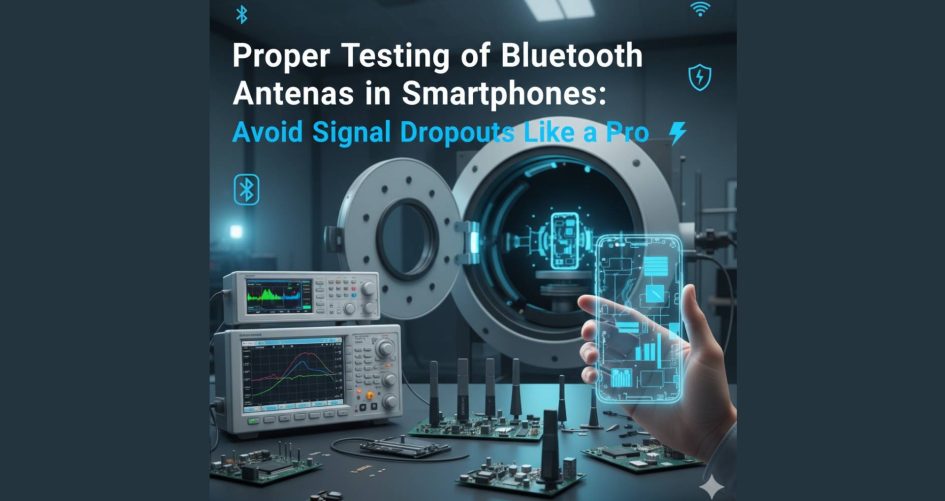
In the world of refurbished smartphones, ensuring smooth wireless communication is a top priority. One of the most overlooked aspects is conducting a proper Bluetooth antenna test, evaluating the condition of the signal flex cable, and performing any needed connectivity repair to guarantee flawless performance. Without these critical steps, customers may suffer from unreliable Bluetooth pairing, dropped connections, or devices that fail to detect nearby accessories. In this guide, we’ll show you how to properly test and troubleshoot Bluetooth antenna systems in mobile phones—before they reach your customers. Know more.
Why Bluetooth Performance Matters More Than Ever
Modern Use Cases for Bluetooth Connectivity
Today’s users depend on Bluetooth for far more than just headphones. The average smartphone connects to:
- Smartwatches
- Fitness trackers
- In-car systems
- Wireless keyboards and gamepads
- Bluetooth health devices
That means any flaw in Bluetooth connectivity can lead to frustration, poor reviews, and returns.
The Hidden Impact of Poor Antenna Testing
Even a minor fault in the signal flex cable or a loose antenna connector can disrupt signal strength. And without a proper Bluetooth antenna test, these issues often go unnoticed during standard refurbishing.
What is a Bluetooth Antenna Test and Why It’s Essential
Overview of Bluetooth Antenna Functions
The Bluetooth antenna in smartphones transmits and receives data packets over short distances. It works in conjunction with other components via the signal flex cable to ensure strong and stable communication.
How the Bluetooth Antenna Test Is Performed
A typical Bluetooth antenna test checks:
- Signal strength
- Antenna resistance
- Connection continuity
- Range consistency under real-world conditions
Testing is often done both through software tools and hardware probes.
Understanding the Signal Flex Cable’s Role in Bluetooth Functionality
What Is a Signal Flex Cable?
The signal flex cable is a slim, bendable circuit that connects internal hardware components—like the Bluetooth antenna, mainboard, and power ICs. If damaged or misaligned, it can cause severe signal loss or dropouts.
Common Flex Cable Faults That Affect Bluetooth
- Cracked or torn cable pathways
- Loose connectors or pins
- Dirt or oxidation at contact points
Even small issues with the signal flex cable can lead to failed connectivity repair attempts.
Tools and Equipment Needed for Accurate Testing
Wireless Signal Testers
Used to measure signal strength, interference, and range. Essential for verifying whether the Bluetooth antenna test passes under load.
Multimeter Usage in Flex Cable Testing
A digital multimeter helps verify continuity in the signal flex cable, ensuring there are no broken paths between components.
Software Diagnostic Tools
Built-in OEM test modes and third-party apps like Bluetooth Signal Analyzer Pro help measure connection stability, latency, and packet loss.
Step-by-Step Guide to Performing a Bluetooth Antenna Test
Disassembling the Smartphone Safely
Always use proper ESD tools and wear anti-static gloves. Disconnect the battery before testing any signal-related components.
Inspecting Antenna Contacts and Signal Paths
Look for:
- Damaged antenna clips
- Loose solder joints
- Misaligned signal flex cables
Use magnification and backlighting for precision.
Reassembling and Testing Bluetooth Performance
After reconnecting everything, reboot the phone and begin your Bluetooth antenna test. Try pairing with multiple devices and moving away gradually to test real-world range.
Signs That Point to a Need for Connectivity Repair
Bluetooth Fails to Pair or Drops Connection
- Often a result of loose antenna connectors or damaged signal flex cable lines.
Low Signal Strength or Short Range
- Caused by faulty antennas or blocked signals due to incorrect reassembly.
No Device Detection During Scan
- Suggests hardware malfunction that needs immediate connectivity repair.
Common Bluetooth Antenna Issues in Refurbished Phones
Improper Reassembly from Previous Repairs
Many Bluetooth issues arise when devices are reassembled without checking antenna paths or aligning the signal flex cable properly.
Corrosion or Flex Cable Breaks
Moisture, heat, or mishandling during disassembly can corrode or sever essential traces.
Misalignment or Damaged Connectors
Incorrect connector placement or forced fits often result in unstable Bluetooth function.
Connectivity Repair: Fixes for Bluetooth Signal Problems
Replacing Signal Flex Cables
If continuity fails or physical damage is visible, replace the signal flex cable with a high-quality part.
Cleaning or Reseating Antenna Connectors
Use isopropyl alcohol and ESD brushes to clean connector pins. Reattach firmly to ensure secure contact.
Software Tweaks and Firmware Resets
Sometimes, performing a Bluetooth stack reset or updating firmware can restore functionality without hardware changes.
How to Validate Repairs with a Post-Fix Bluetooth Antenna Test
Range and Strength Verification Steps
Use a signal analyzer to:
- Measure range in meters
- Check stability when streaming audio
- Record signal dB level over time
Benchmarking Against Factory Standards
Compare results with OEM signal benchmarks to ensure your refurbished units meet quality standards.
Best Practices in Refurbished Mobile Testing Labs
ESD Safety and Clean Environments
- Use anti-static mats and wrist straps
- Avoid humid or dusty conditions during testing
Routine QC Integration
Integrate Bluetooth antenna test routines into your QC before shipment protocol for every unit.
Using a Bluetooth Signal Analyzer
Tools like the u-Blox signal tester give precise diagnostics to fine-tune the Bluetooth system.
Why Bluetooth Antenna Testing Improves Customer Satisfaction
Lower Return Rates on Refurbished Devices
Connectivity issues are one of the top return reasons. Effective connectivity repair and pre-shipment testing reduce this risk significantly.
Enhanced End-User Experience
Smooth pairing and stable audio/video transmission mean satisfied customers—and positive feedback.
FAQs: Bluetooth Testing and Signal Issues
1. How do I test a Bluetooth antenna without software?
You can use hardware signal meters and range tests to measure signal strength manually.
2. Can a damaged signal flex cable be repaired?
In most cases, it should be replaced, as micro breaks are hard to detect and fix.
3. What causes Bluetooth to cut out on refurbished phones?
Improper reassembly, damaged antenna contacts, or a faulty signal flex cable.
4. Are all Bluetooth antennas located in the same place?
No, they vary by model—some are built into the frame, others are modular.
5. Is the Bluetooth antenna separate from the Wi-Fi antenna?
Sometimes yes, sometimes they share a combo antenna. Check the phone’s schematics.
6. How do I perform a full connectivity repair for Bluetooth?
Disassemble the phone, test and replace the signal flex cable, clean connectors, and re-test with a Bluetooth antenna test.
Conclusion: Future-Proofing Refurbished Phones with Reliable Connectivity Repair
Proper Bluetooth antenna test procedures, awareness of the signal flex cable integrity, and careful connectivity repair are essential for ensuring refurbished smartphones meet today’s wireless demands. With the right tools, workflow, and discipline, your devices will deliver stable, seamless performance—and your brand will earn the trust of every customer you ship to. Know more.