
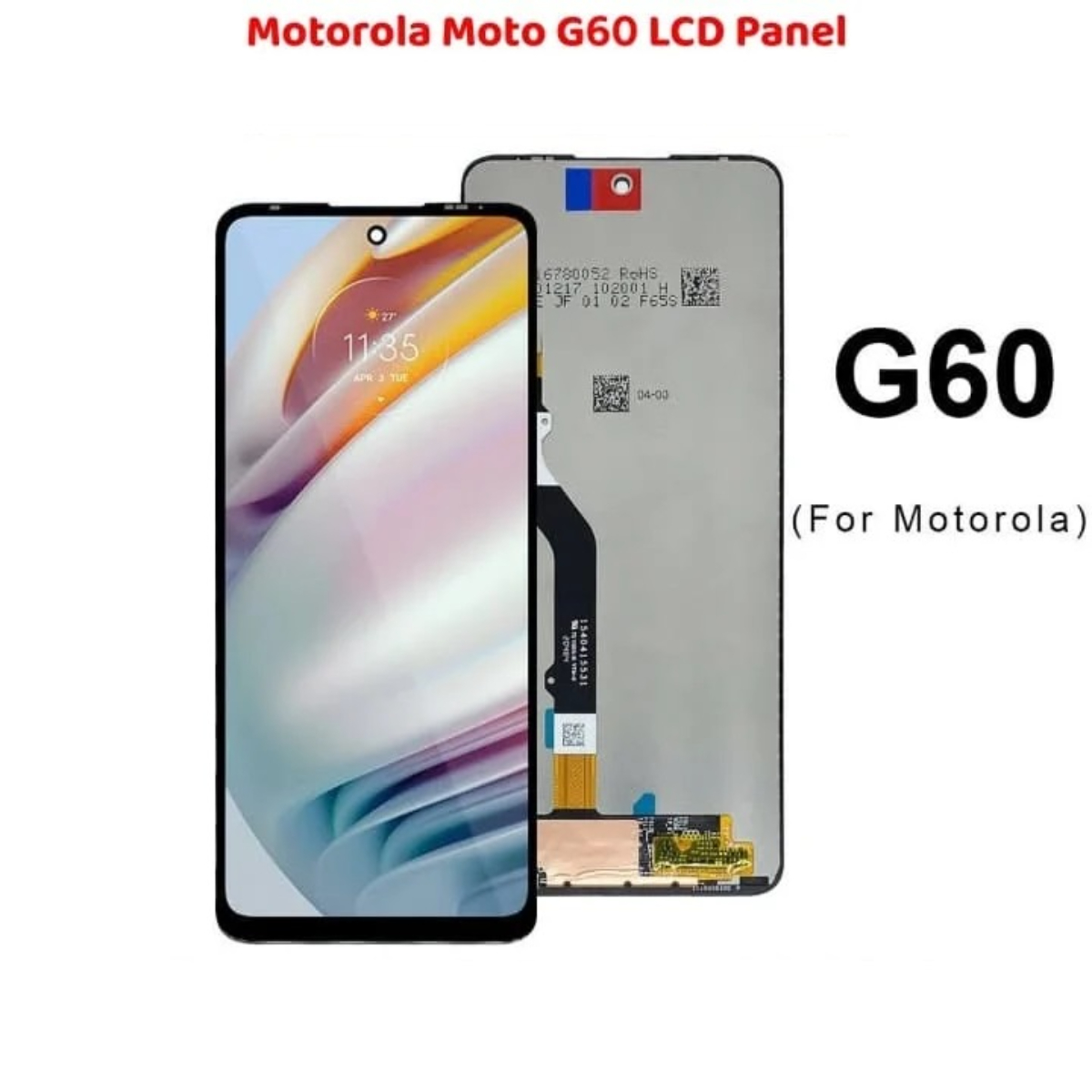
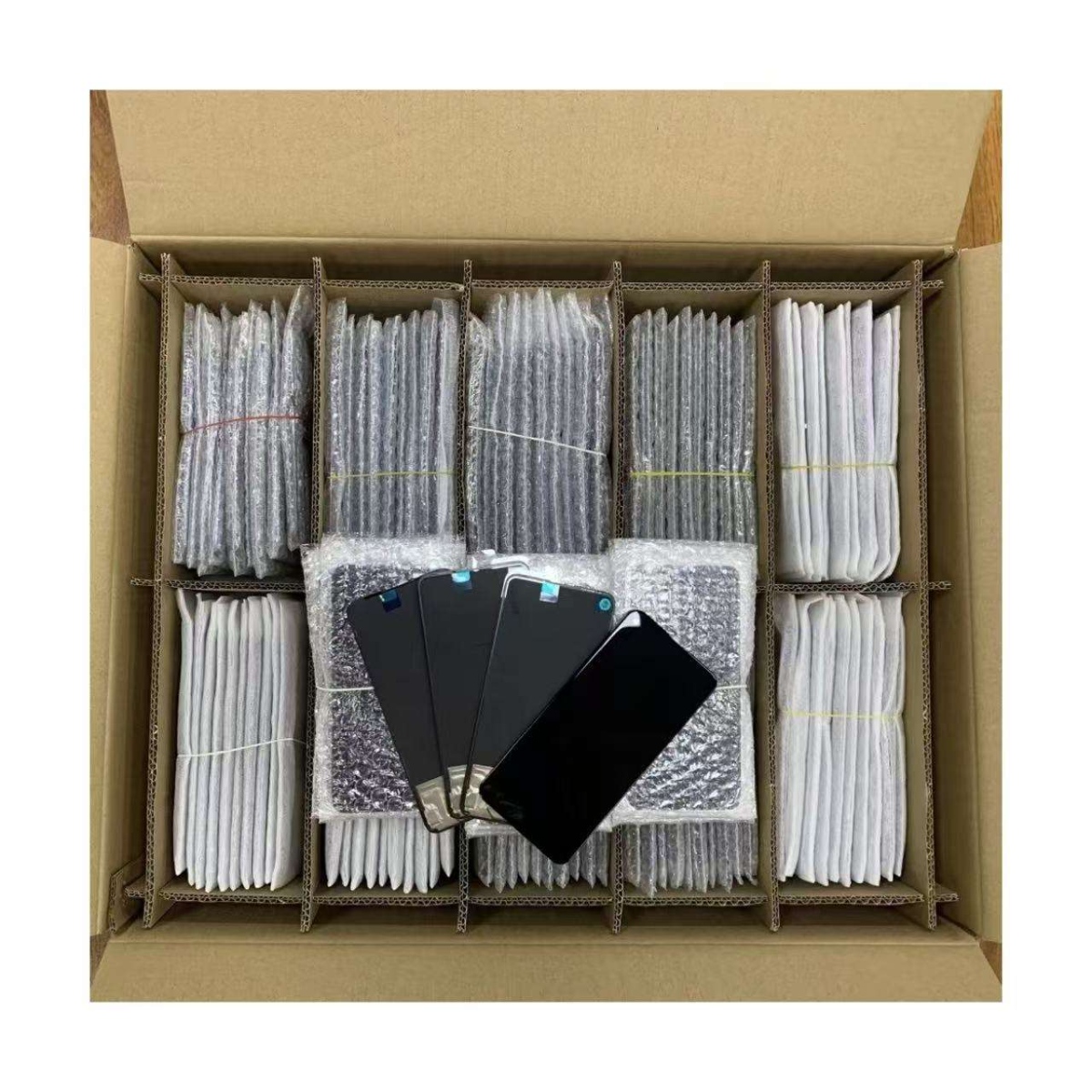
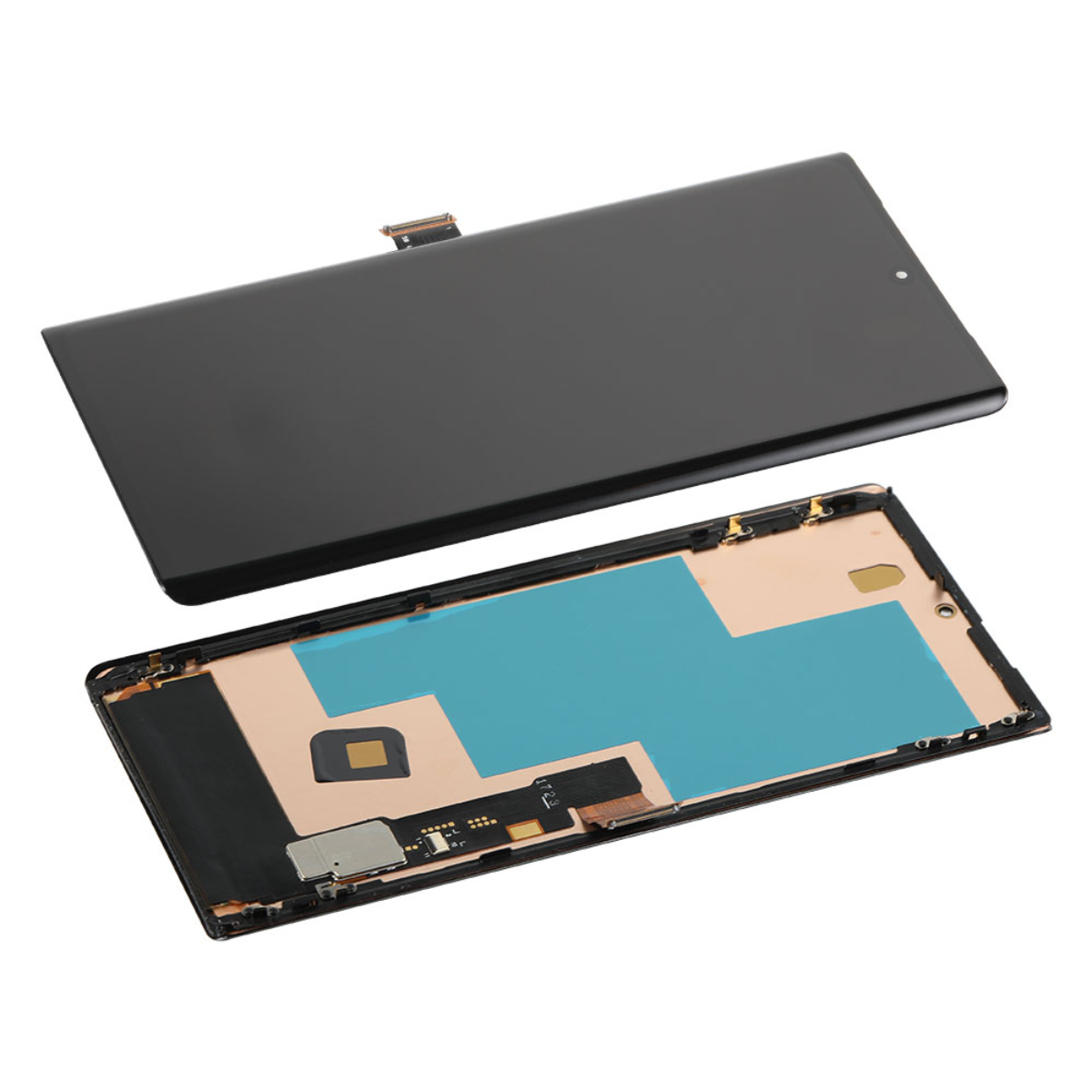
Premium Clarity and Performance | Reliable Motorola Moto G60 LCD Panel Replacement
The Motorola Moto G60 LCD Panel Touch Display Screen Replacement Original is your ultimate solution for restoring crystal-clear display performance and responsiveness on your smartphone. Designed with precision and quality in mind, this replacement display ensures every touch, swipe, and tap feels natural, smooth, and accurate. Whether your old screen is cracked, unresponsive, or discolored, this premium LCD panel is built to deliver a seamless visual and tactile experience, bringing your device back to life with vibrant colors and sharp detail. Combined with advanced durability and high compatibility, this display is the ideal choice for users who demand excellence.
The Reliable Display Replacement for Motorola Moto G60 provides professional-grade quality that enhances your phone’s performance and display output. Perfect for technicians, repair shops, and DIY users alike, it guarantees long-lasting reliability and superior craftsmanship. Say goodbye to dull screens and hello to a flawless visual experience with this original-quality display panel.

Why Choose Reliable Motorola Moto G60 LCD Panel Replacement?
🔹 High-Definition Visual Clarity: The Motorola Moto G60 LCD Panel replacement delivers vibrant colors, superior brightness, and consistent contrast to ensure the best possible viewing experience.
🔹 Responsive Touch Sensitivity: Experience smooth touch performance that reacts instantly to your fingers, enhancing usability during gaming, browsing, or typing.
🔹 Durable and Scratch Resistant: Crafted with high-quality materials, this display is designed to withstand daily wear and tear, maintaining its pristine condition over time.
🔹 Perfect Compatibility: Specifically engineered for the Motorola Moto G60 model, ensuring flawless installation and optimal display performance.
🔹 Easy Installation: The panel is designed for hassle-free replacement, allowing both professionals and DIY users to easily fit it without specialized tools or training.
🔹 Enhanced Color Accuracy: Enjoy life-like color reproduction for images, videos, and games with improved color balance and display uniformity.
Maximizing Your Motorola Moto G60 Display Performance
🔹 Proper Handling During Installation: Ensure the device is powered off before installation to prevent short circuits or damage to the connector pins.
🔹 Calibrate Your Display: After installing the Motorola Moto G60 LCD Panel, calibrate the touch and brightness settings for optimal accuracy and response.
🔹 Use Original Adhesives: For a secure and lasting installation, use manufacturer-recommended adhesives or sealants to keep the display firmly attached.
🔹 Avoid Excessive Pressure: Handle the screen gently to prevent cracks or pixel damage while applying it to your device frame.
🔹 Keep It Clean: Regularly wipe your display using a microfiber cloth to maintain clarity and reduce fingerprint smudges.
🔹 Protect With a Tempered Glass: Extend the lifespan of your new Reliable Display Replacement by applying a tempered glass protector to guard against scratches and drops.
Technical Specifications
| Feature | Description |
|---|---|
| Product Name | Motorola Moto G60 Screen Replacement |
| Touch Sensitivity | Ultra-responsive multi-touch interface for seamless operation |
| Display Type | Original quality LCD panel for natural color rendering |
| Build Quality | Manufactured using durable, premium-grade materials |
| Visual Experience | High brightness and sharp contrast for vivid visuals |
| Installation | Simple and efficient setup for professionals or DIY users |
| Durability | Long-lasting performance under regular daily use |
| Protection | Resistant to scratches, smudges, and light impacts |
| Viewing Angle | Wide-angle visibility for enhanced clarity from all sides |
| User Experience | Delivers smooth transitions and fast touch response |
How to Get the Best Out of Your Replacement Display
🔹 Test Before Installation: Always test the Motorola Moto G60 LCD Panel before permanently fixing it to ensure full functionality and touch accuracy.
🔹 Check the Connectors: Verify that the display connectors are aligned properly to prevent malfunction or screen flickering.
🔹 Keep Away from Moisture: Avoid exposure to moisture or humidity during installation and use to maintain screen integrity.
🔹 Apply Even Pressure: When securing the display, ensure even pressure is applied along all edges for a balanced fit.
Order Now – Get Your Reliable LCD Display for Motorola Moto G60 Today!
Upgrade your smartphone with the Motorola Moto G60 LCD Panel Touch Display Screen Replacement Original and experience unmatched visual brilliance and touch precision. Whether you’re repairing your personal phone or offering replacements professionally, this display offers the reliability, durability, and performance that users demand. Its vibrant display quality, superior color accuracy, and effortless responsiveness make it the best choice for Motorola users who value excellence.
Order your Reliable Display Replacement today and restore your Motorola Moto G60 to its original beauty and clarity. Every detail, from the premium materials to the advanced display engineering, has been crafted to ensure longevity and outstanding performance. Don’t settle for less—bring your device back to life with a screen that performs like new. Know more..

Reviews
There are no reviews yet.